



Vertical
How to use pre-built layouts?
You can change the template as per your requirements. To
configure it, we will use reducer.ts and change the value of export const initialState: LayoutState object.
you can find the file src/slices/layouts/reducer.ts file.
Theme Options
export const initialState: LayoutState = {
    layoutType: LAYOUT_TYPES.VERTICAL,
    layoutThemeType: LAYOUT_THEME.DEFAULT,
    layoutThemeColorType: LAYOUT_THEME_COLOR.DEFAULT,
    layoutModeType: LAYOUT_MODE_TYPES.LIGHTMODE,
    leftSidebarType: LAYOUT_SIDEBAR_TYPES.DARK,
    layoutWidthType: LAYOUT_WIDTH_TYPES.FLUID,
    layoutPositionType: LAYOUT_POSITION_TYPES.FIXED,
    topbarThemeType: LAYOUT_TOPBAR_THEME_TYPES.LIGHT,
    leftsidbarSizeType: LEFT_SIDEBAR_SIZE_TYPES.DEFAULT,
    leftSidebarViewType: LEFT_SIDEBAR_VIEW_TYPES.DEFAULT,
    leftSidebarImageType: LEFT_SIDEBAR_IMAGE_TYPES.NONE,
    preloader: PERLOADER_TYPES.DISABLE,
    sidebarVisibilitytype: SIDEBAR_VISIBILITY_TYPES.SHOW
};
Layout Width
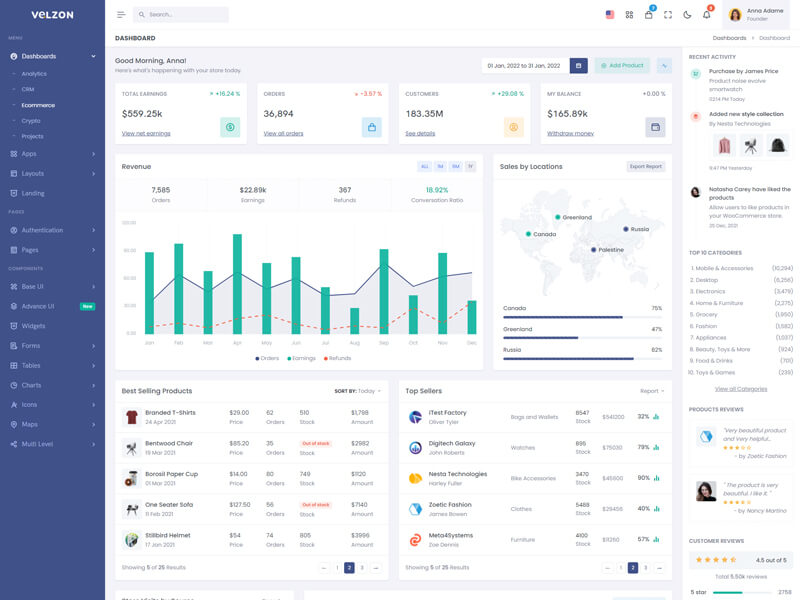
layoutWidthType.FLUID
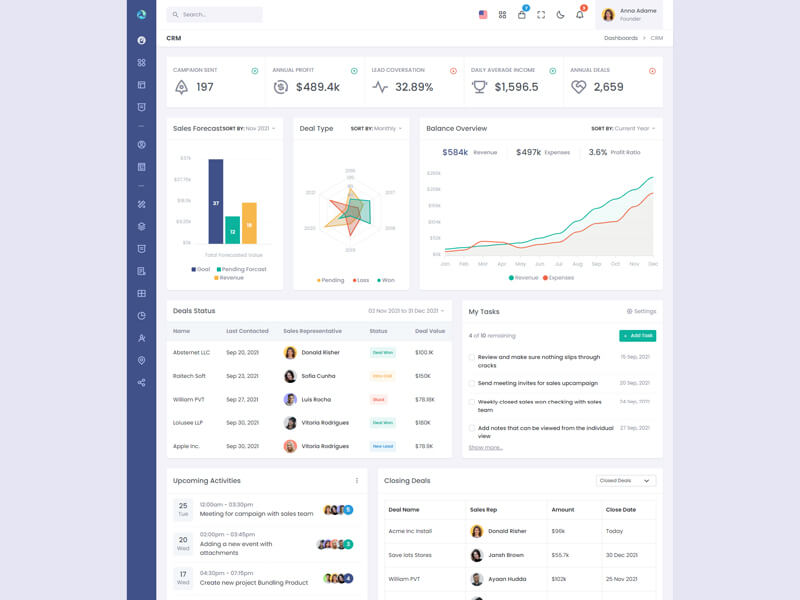
layoutWidthType.BOXED
Layout Position
layoutPositionType.FIXED
layoutPositionType.SCROLLABLE
Topbar Colors
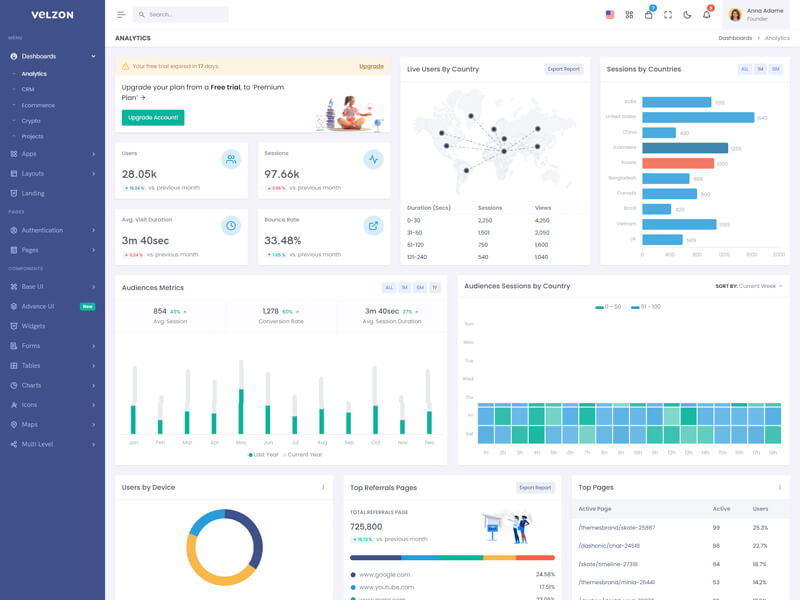
topbarThemeType.LIGHT
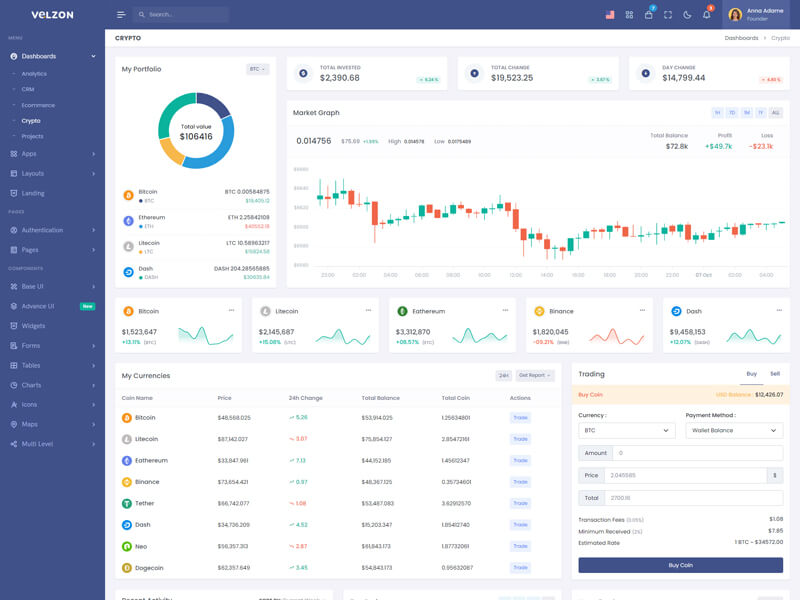
topbarThemeType.DARK
Sidebar Sizes
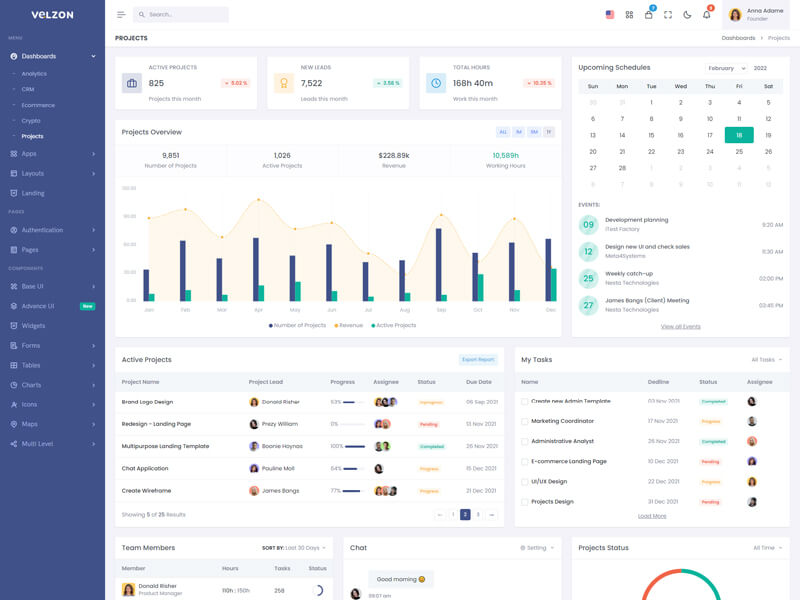
leftsidbarSizeType.DEFAULT
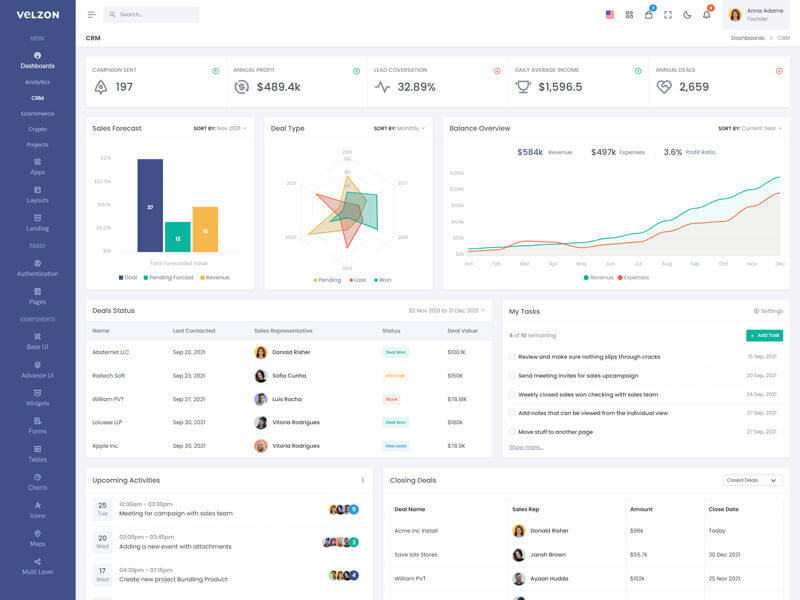
leftsidbarSizeType.COMPACT
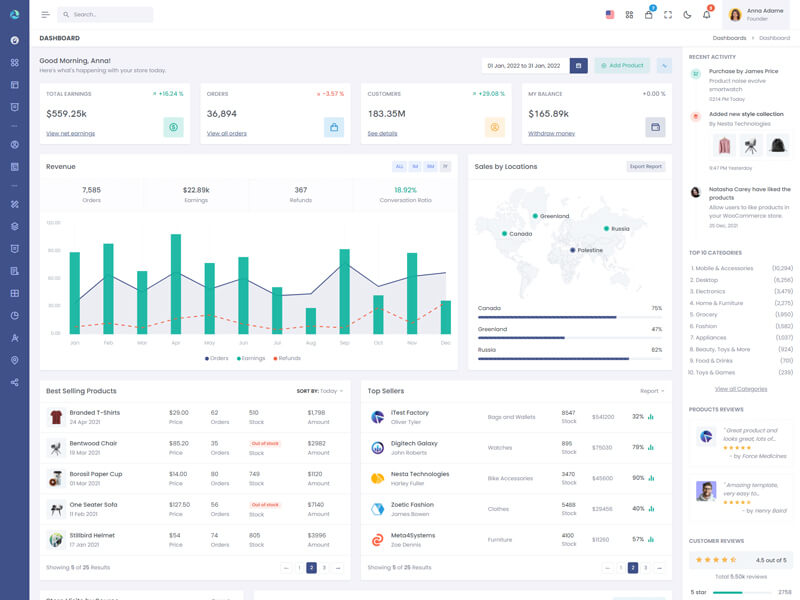
leftsidbarSizeType.SMALLICON
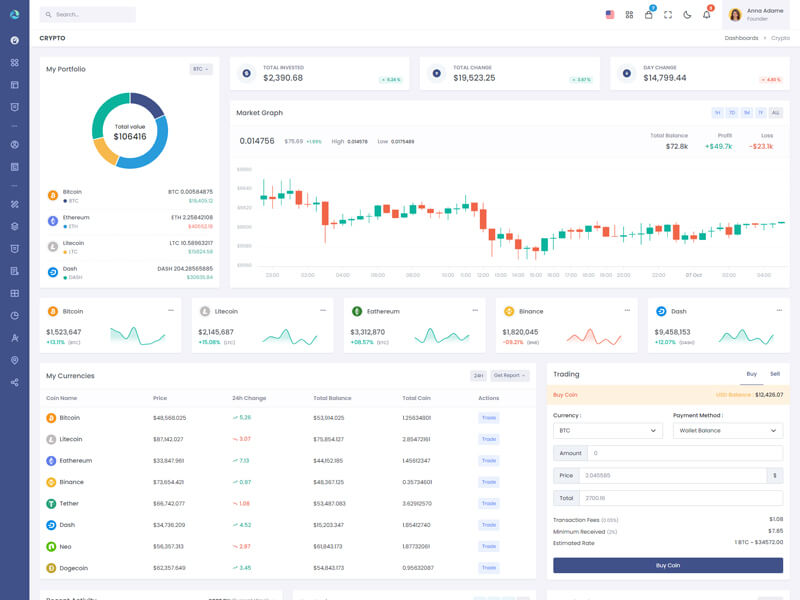
leftsidbarSizeType.SMALLHOVER
Sidebar View
leftSidebarViewType.DEFAULT
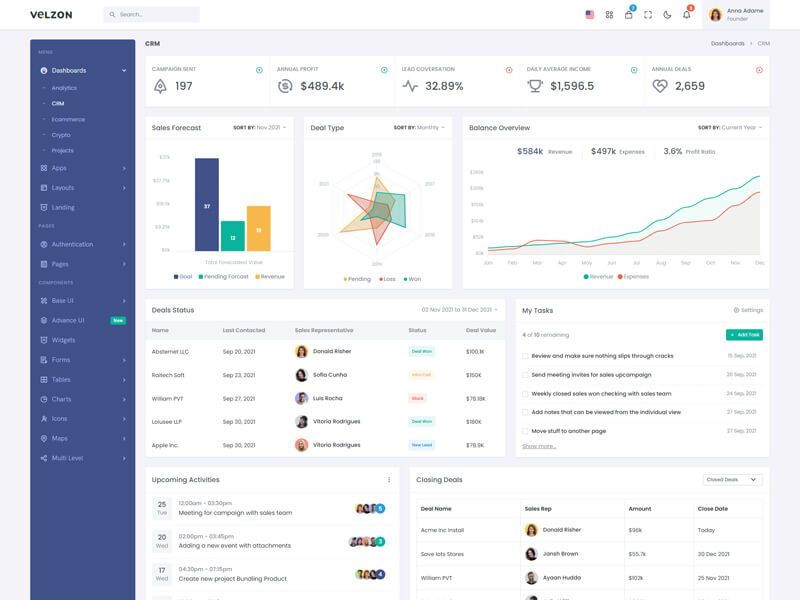
leftSidebarViewType.DETACHED
Sidebar Colors
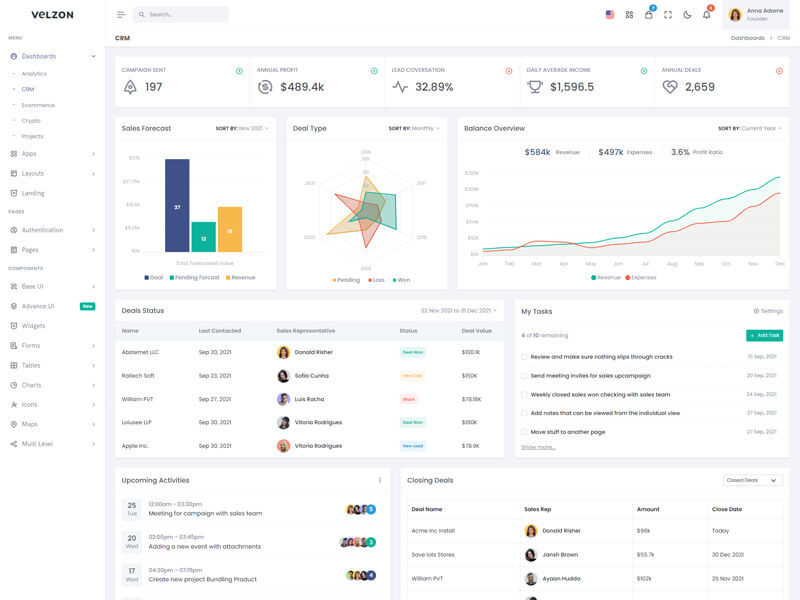
leftSidebarType.LIGHT
leftSidebarType.DARK