


Horizontal
Horizontal menu configuration
You can change the horizontal layout very easily by
changing state
in src/store/app.ts file.
layoutType=LAYOUTS.HORIZONTAL
How to add new menu items/change menu items?
In order to add, change or remove menu items from
the top bar, simply edit in file
src/components/layouts/utils.ts. The change
would
reflect in all the Vue files automatically.
How to use pre-built layouts?
Please do the below change in the store at
src/store/app.ts.
Color Scheme
mode=SITE_THEME.LIGHT
mode=SITE_THEME.DARK
Layout Width
layoutWidth=LAYOUT_WIDTH.FLUID
Layout Position
position=LAYOUT_POSITION.FIXED
position=LAYOUT_POSITION.SCROLLABLE
Topbar Colors
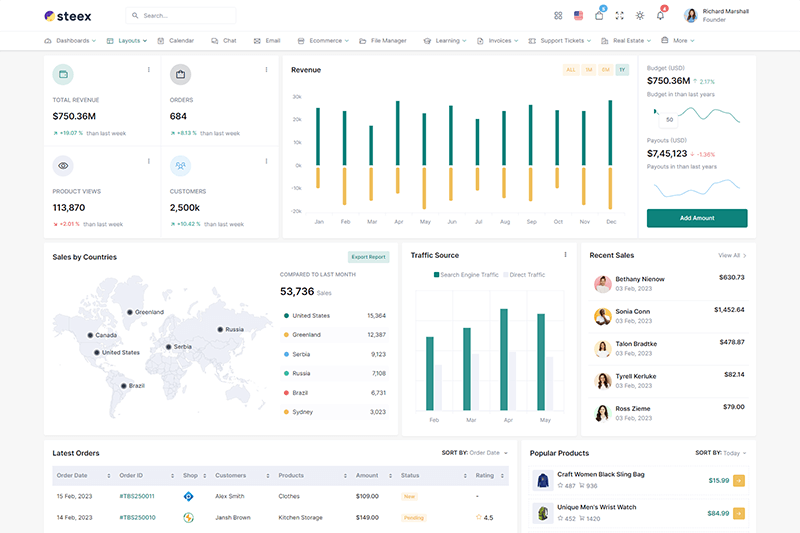
topbar=TOP_BAR.LIGHT
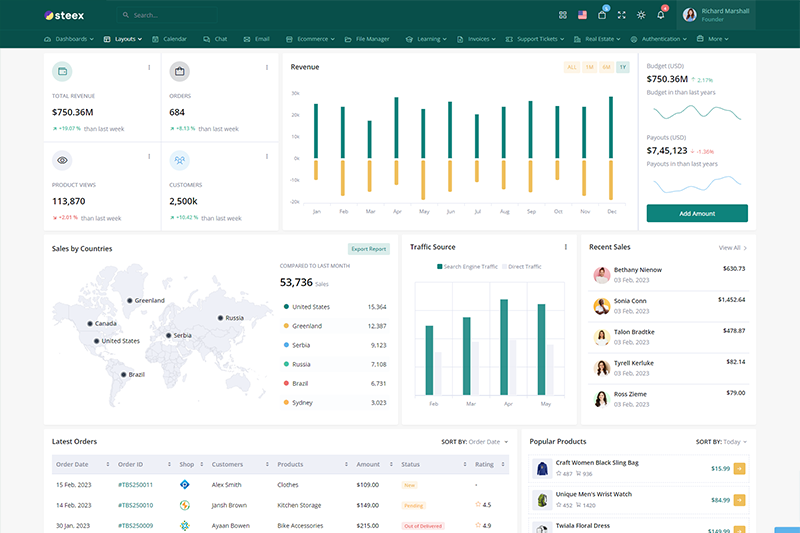
topbar=TOP_BAR.DARK