


Horizontal
Horizontal menu configuration
You can change the horizontal layout very easily by
adding the below attribute to the body tag in the
layouts-horizontal.html file.
data-layout="horizontal"
How to add new menu items/change menu items?
In order to add, change or remove menu items from the left side navigation, simply edit in file layouts-horizontal.html and find Sidebar code.
How to use pre-built layouts?
Please do the below change in the html element at
index.html file. ex:
<html data-layout-width="fluid">
Color Scheme
data-bs-theme="light"
data-bs-theme="dark"
Layout Width
data-layout-width="fluid"
data-layout-width="boxed"
Layout Position
data-layout-position="fixed"
data-layout-position="scrollable"
Topbar Colors
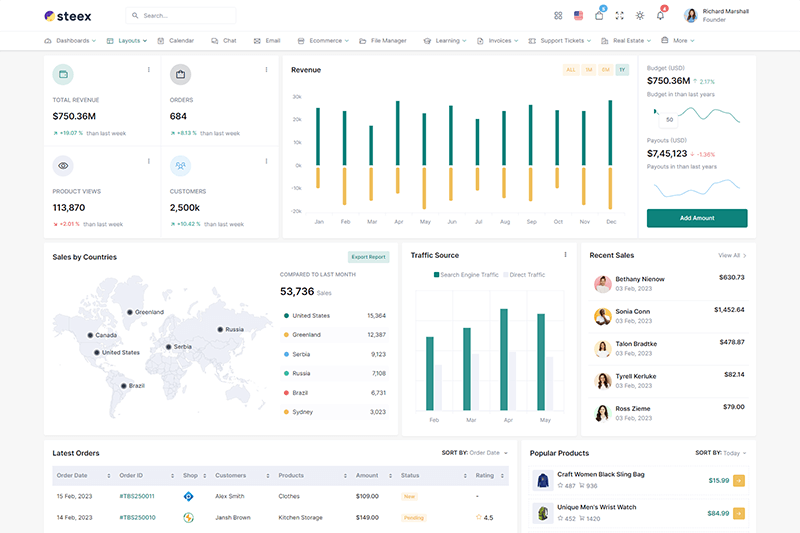
data-topbar="light"
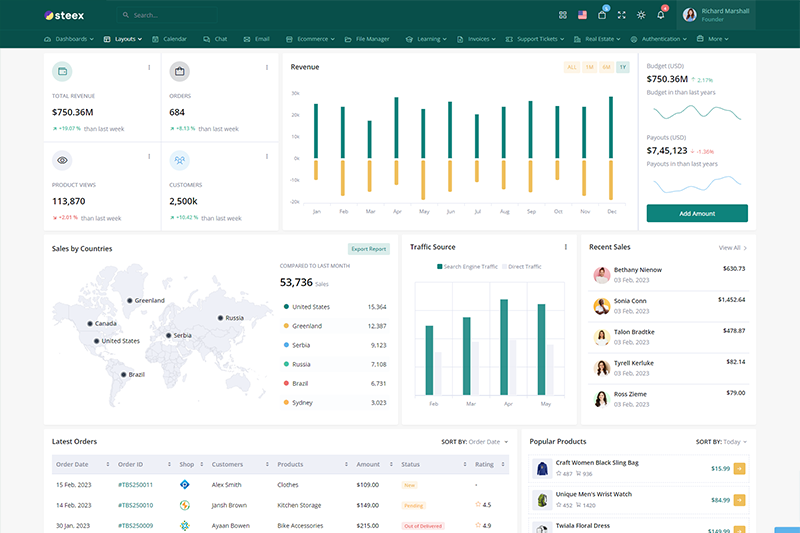
data-topbar="dark"
Preloader Option
data-preloader="disable"
data-preloader="enable"