


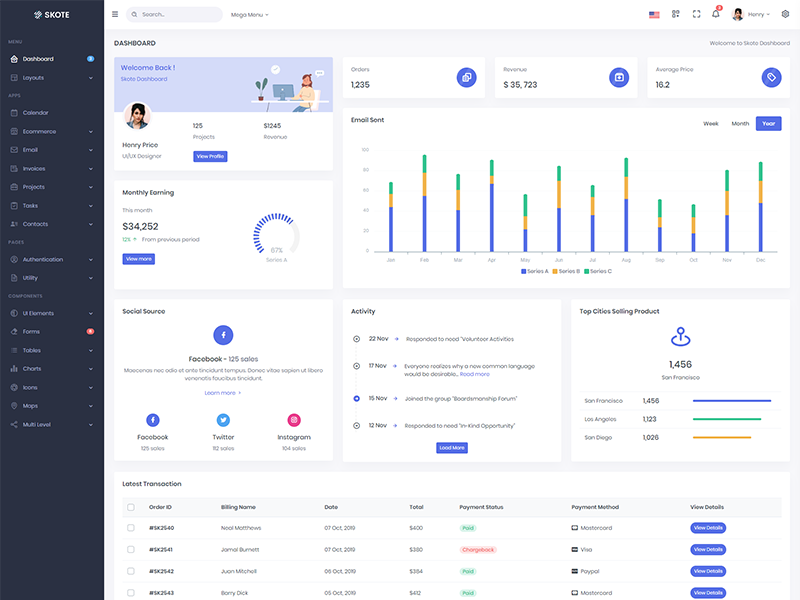
Vertical Layout
Vertical menu configuration
You can change the template as per your requirements. you can find the file in src/routes/+layout.svelte file.
let layoutType = 'vertical';
How to use pre-built layouts?
Each of the layout options is provided below with steps you would need to perform in file src/common/RightSidebar.svelte.
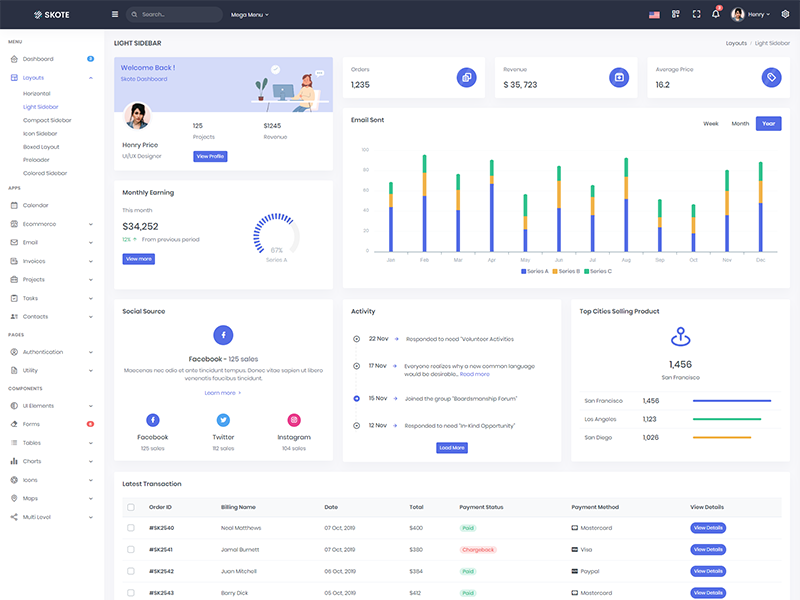
Light Sidebar & Topbar Dark
sidebarColor="light" topbarColor="dark"

Compact Sidebar
sidebarColor="dark" sidebarSize="small"
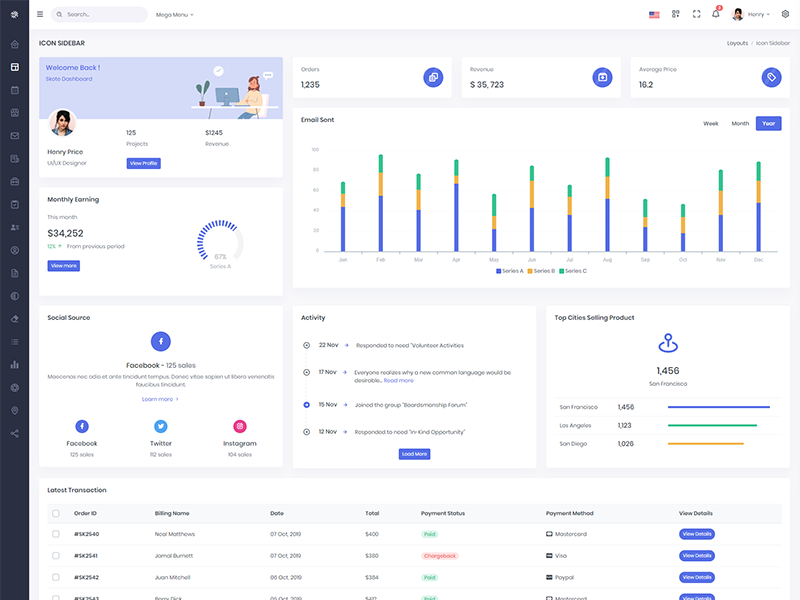
Icon Sidebar
sidebarColor="dark" class="vertical-collpsed"
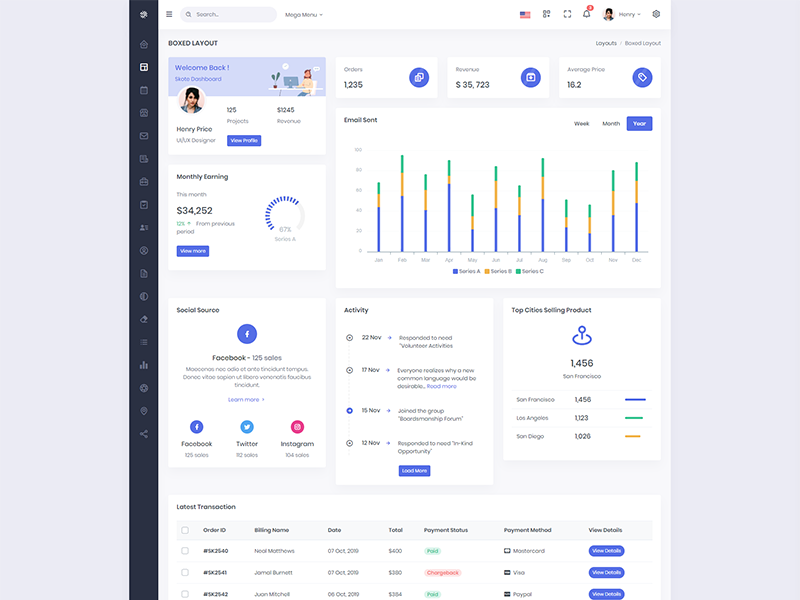
Boxed Layout
sidebarColor="dark" layoutWidth="boxed" add
class="vertical-collpsed" in body.
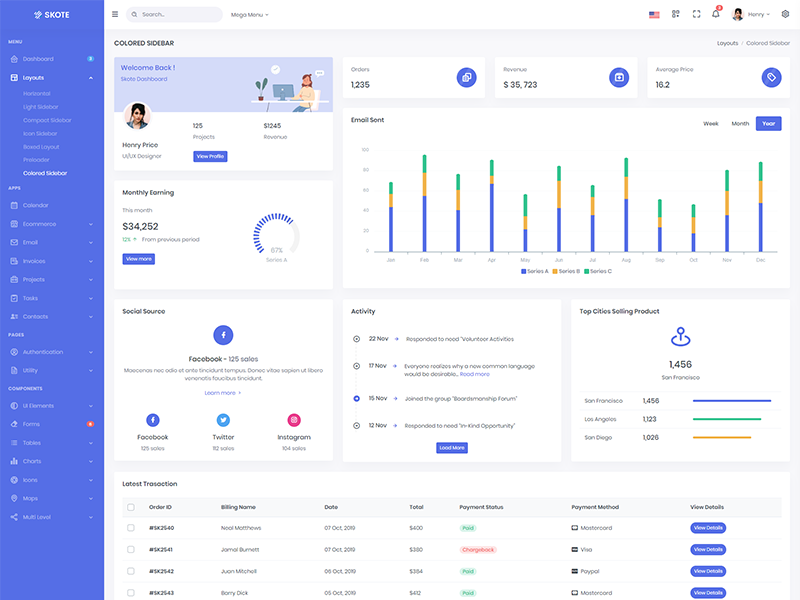
Colored Sidebar
sidebarColor="colored"
Scrollable layout
sidebarColor="dark" layoutWidth="scrollable"
Preloader
data-sidebar="light" Add below code after body tag.
<div id="preloader">
                                                                        <div id="status">
                                                                            <div class="spinner-chase">
                                                                                <div class="chase-dot"></div>
                                                                                <div class="chase-dot"></div>
                                                                                <div class="chase-dot"></div>
                                                                                <div class="chase-dot"></div>
                                                                                <div class="chase-dot"></div>
                                                                                <div class="chase-dot"></div>
                                                                            </div>
                                                                        </div>
                                                                    </div>