
Vertical menu configuration
How to use pre-built layouts?
Each of the layout options is provided below with
steps you would need to perform in templates/partials/body.html.twig:
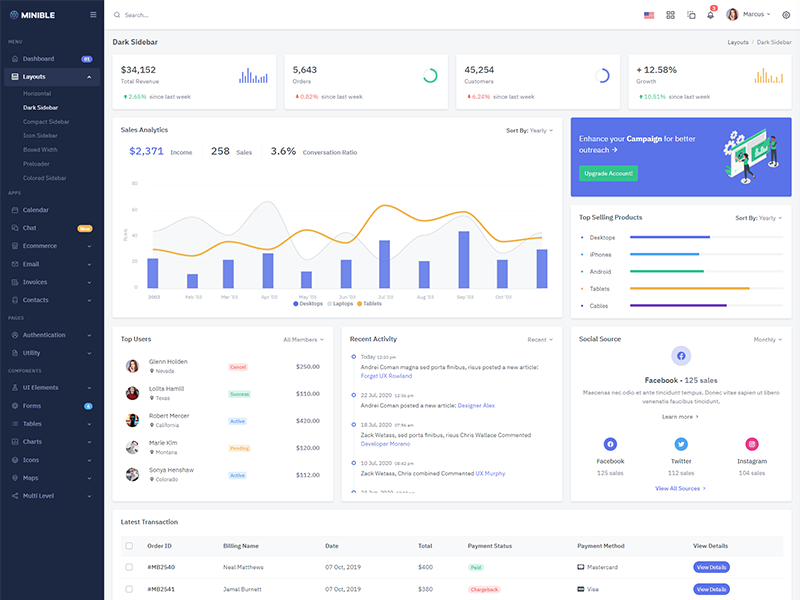
Dark Sidebar
Remove data attributedata-sidebar="light" from body element and Add data attribute data-sidebar="dark" body element to have dark sidebar.
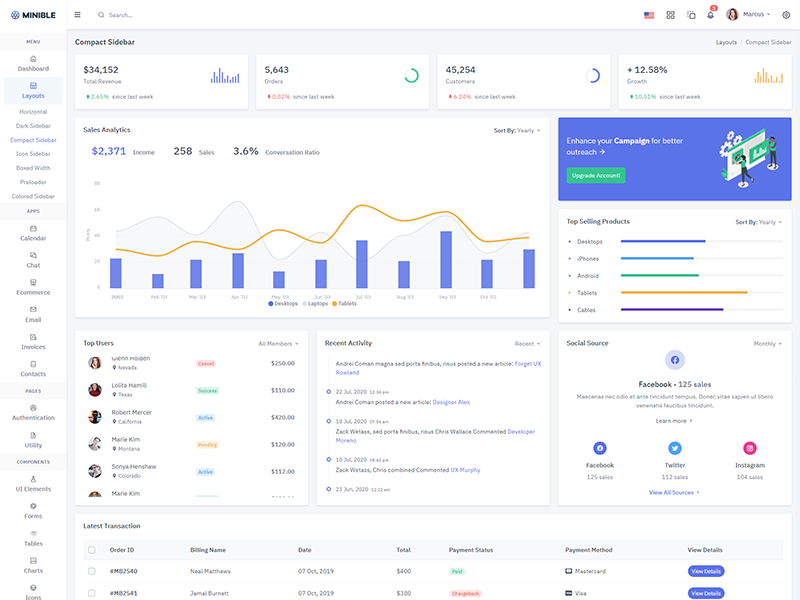
Compact Sidebar
Keep your body element with data attributedata-sidebar-size="small" E.g.
<body data-sidebar-size="small">
to have small sidebar.
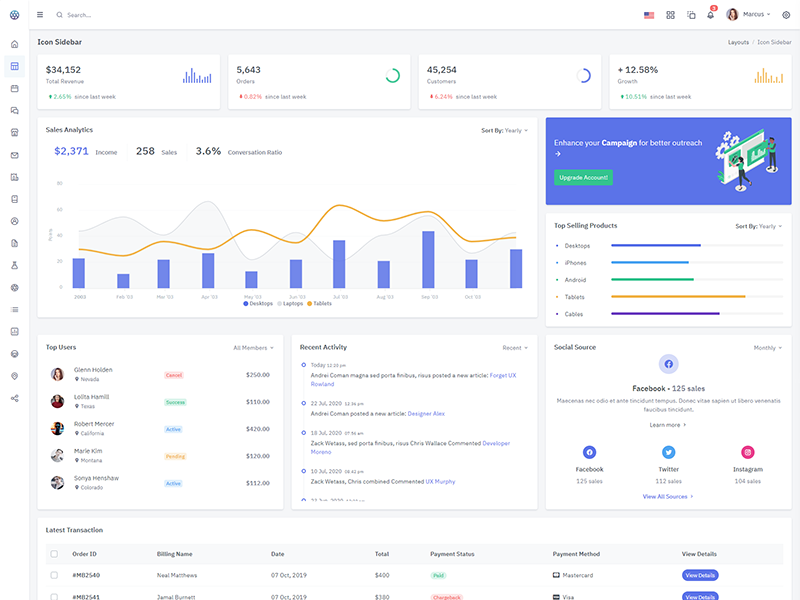
Icon Sidebar
Keep your body element with classvertical-collpsed E.g.
<body class="vertical-collpsed">
to have icon sidebar.
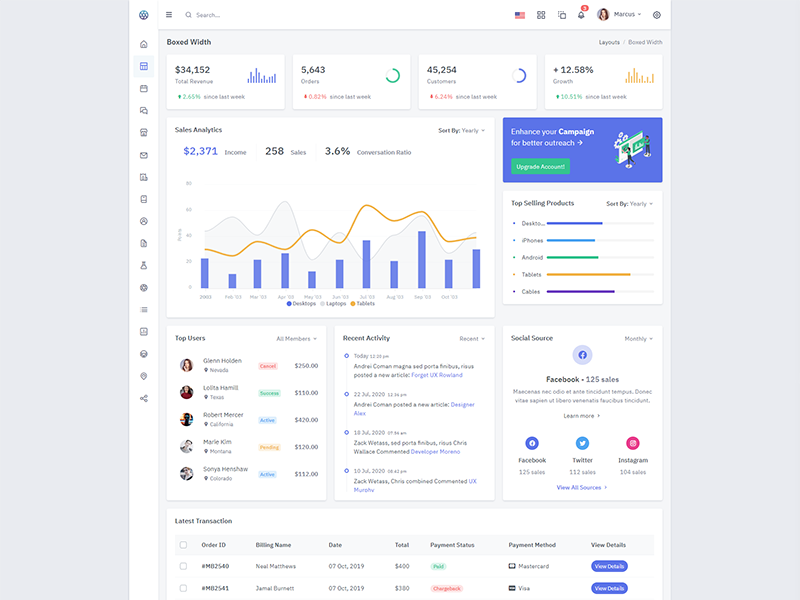
Boxed Layout
Keep your body element with classvertical-collpsed and data attribute data-layout-size="boxed" data-keep-enlarged="true"
E.g. <body class="vertical-collpsed" data-layout-size="boxed" data-keep-enlarged="true">
to have boxed layout with icon view sidebar.
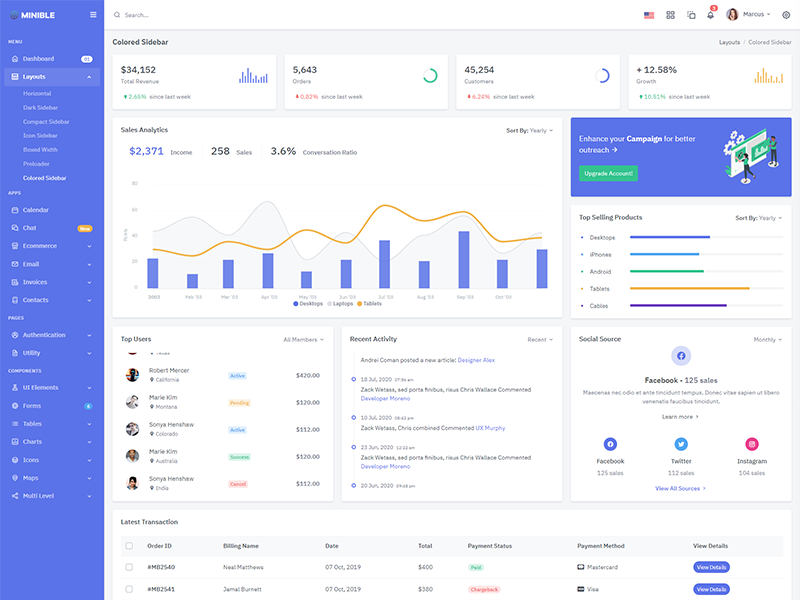
Colored Sidebar
Keep your body element with data attributedata-sidebar="colored" E.g.
<body data-sidebar="colored"> to
have colored sidebar.
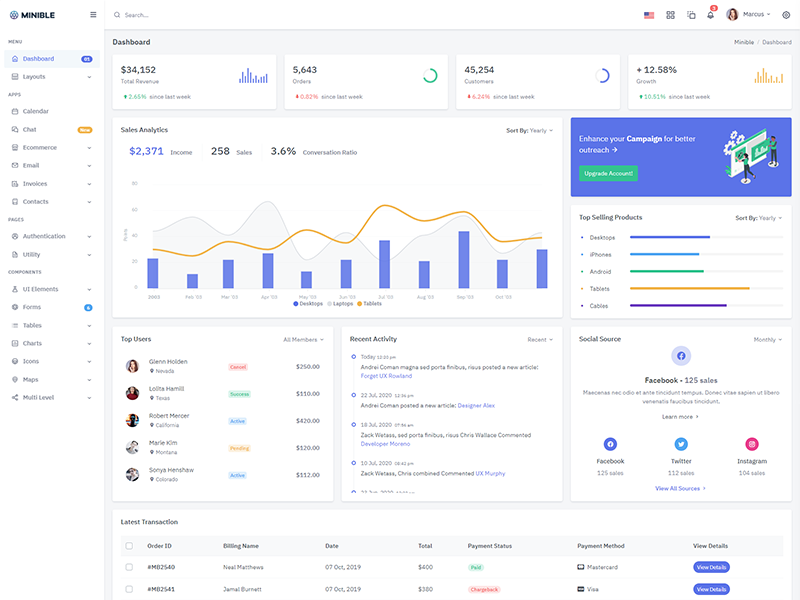
Scrollable Layout
Keep your body element with data attributedata-layout-scrollable="true" E.g.
<body data-layout-scrollable="true"> to
have Scrollable Layout.
Preloader
In order to add pre-loader in your page, include following html afterbody element.
<div id="preloader"> <div id="status"> <div class="spinner"> <i class="uil-shutter-alt spin-icon"></i> </div> </div> </div>