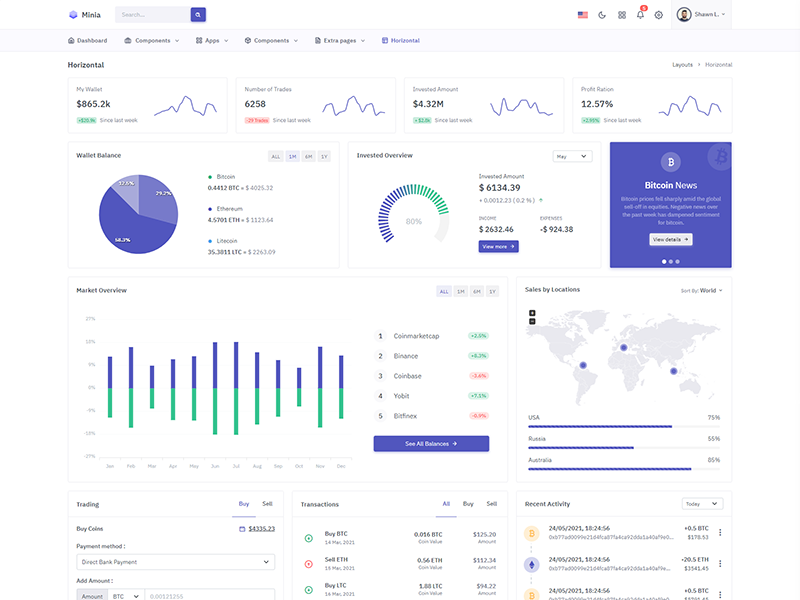
Horizontal menu configuration
If you would like to have Horizontal Menu (or Topnav) based layout then perform below change.
Set DATA_LAYOUT: DATA_LAYOUT_MODE.HORIZONTAL in
src/app/store/layouts/layouts.reducer.ts file.
How to add new/change menu items?
In order to add, change or remove menu items from the topbar
navigation, simply edit in file
src/app/layouts/horizontaltopbar/menu.ts. You can
add this menu link in
"src/app/pages/pages-routing.module.ts" file where
all routes are pre-defined for menus. And it will be accessible
from browser.
Also, Menu item label pass in corresponding menu json file of
src/assets/i18n folder.
How to use pre-built layouts?
Each of the layout options is provided below with steps
you would need to perform in
src/app/store/layouts/layouts.reducer.ts:
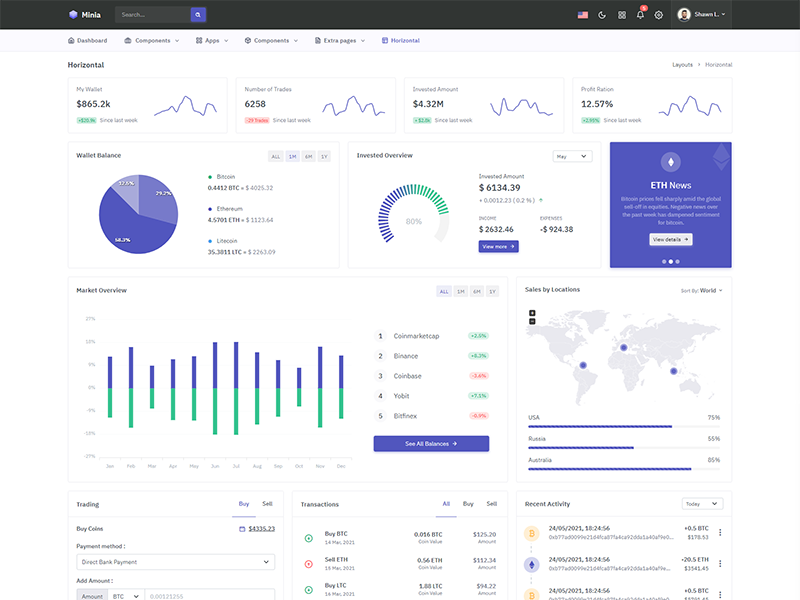
Topbar Light
TOPBAR_MODE_TYPES.LIGHT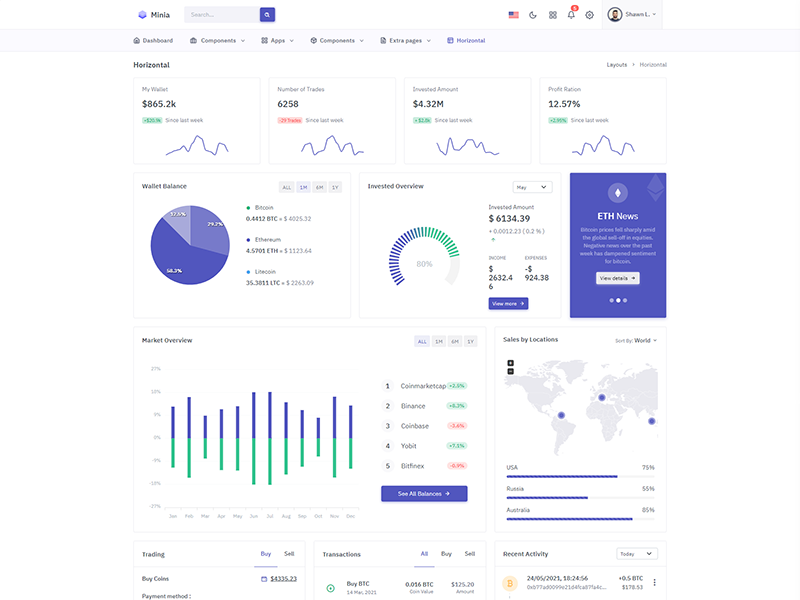
Boxed Layout
LAYOUT_WIDTH_TYPES.BOXED