
Horizontal menu configuration
If you would like to have Horizontal Menu (or Topnav) based layout,
-
You need to update the below code in the
app/Views/partials/body.php
<body data-layout="horizontal" data-topbar="dark">
And inapp/Views/partials/menu.php
<?= $this->include('partials/horizontal') ?>It will set horizontal layouts in all the pages.
In order to add, change or remove any ui elements from the topbar, simply edit in
file
app/Views/partials/horizontal.php.
The change would reflect in all the files automatically.
How to use pre-built layouts?
Each of the layout options is provided below with steps you would need to
perform in app/Views/partials/body.php:
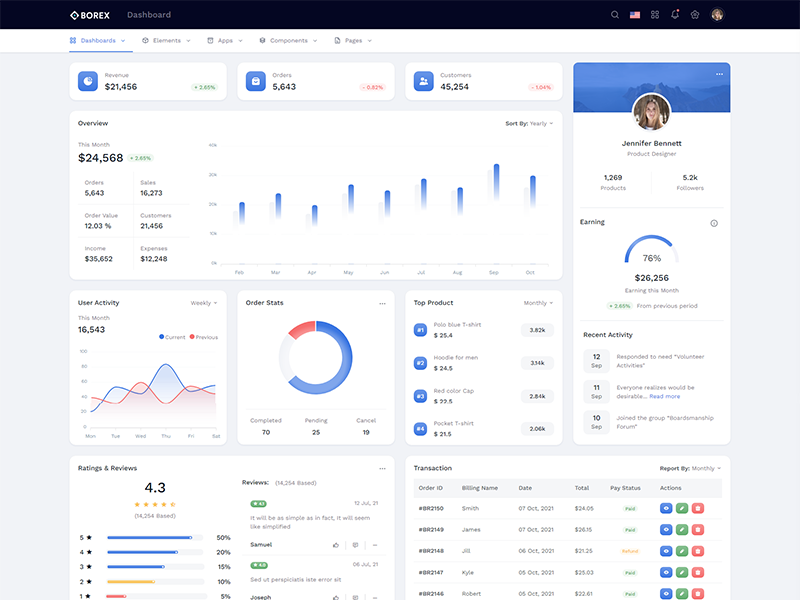
Topbar Dark
Keep your body element with data attributedata-topbar="dark" data-layout="horizontal" E.g. <body data-topbar="dark" data-layout="horizontal"> to have dark topbar and dark menubar.
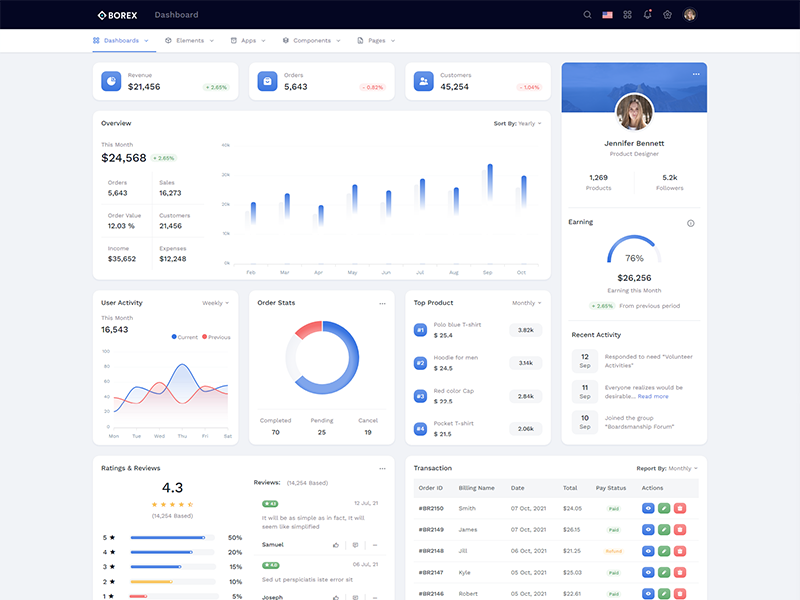
Boxed Layout
Keep your body element with data attributedata-layout-size="boxed" data-layout="horizontal" E.g. <body data-layout-size="boxed" data-layout="horizontal"> to have boxed layout.
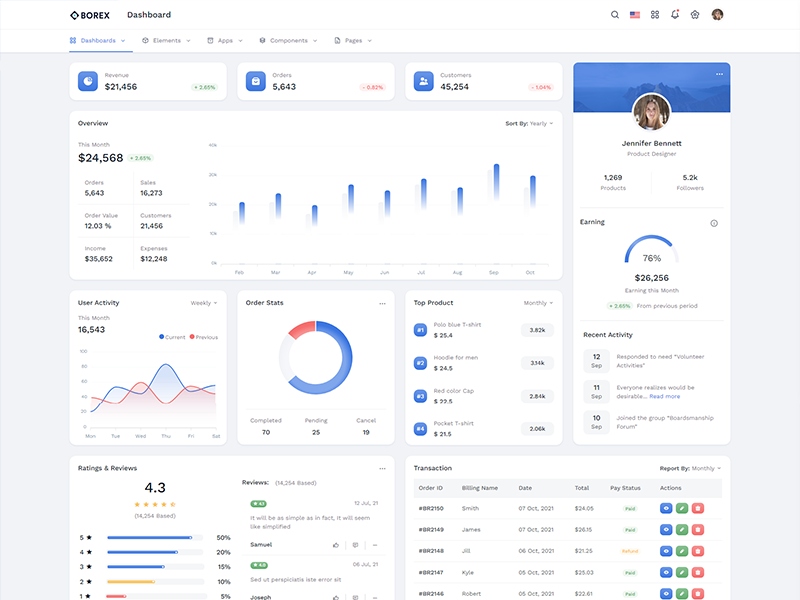
Scrollable Layout
Keep your body element with data attributedata-layout="horizontal" data-layout-scrollable="true" E.g.
<body data-layout="horizontal" data-layout-scrollable="true"> to
have Scrollable Layout.