
Vertical menu configuration
How to change width?
In order to change the width of left side navigation bar, open a file
src/assets/scss/_variables.scss and change the value of variable
$sidebar-width. The default value is set to 250px.
How to use pre-built layouts?
Each of the layout options is provided below with steps you would need to perform in src/app/layouts/vertical/vertical.component.ts in ngAfterViewInit method:
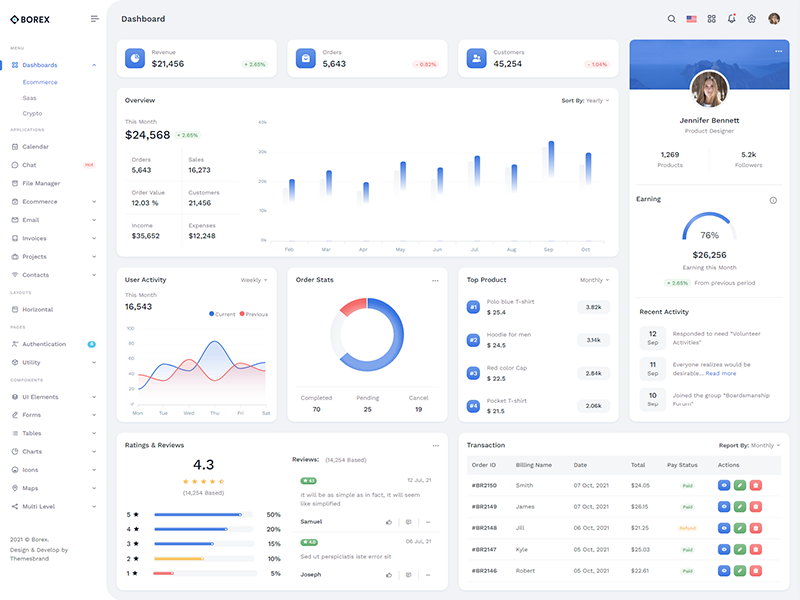
Light Sidebar
Set data attributedocument.body.setAttribute("data-sidebar", "light"); to have light sidebar.
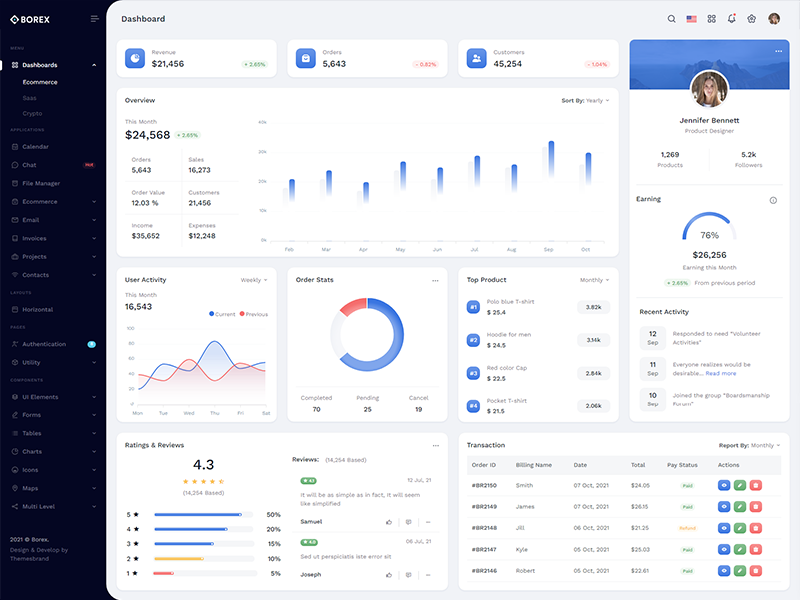
Dark Sidebar
Set data attributedocument.body.setAttribute("data-sidebar", "dark"); to have dark sidebar.
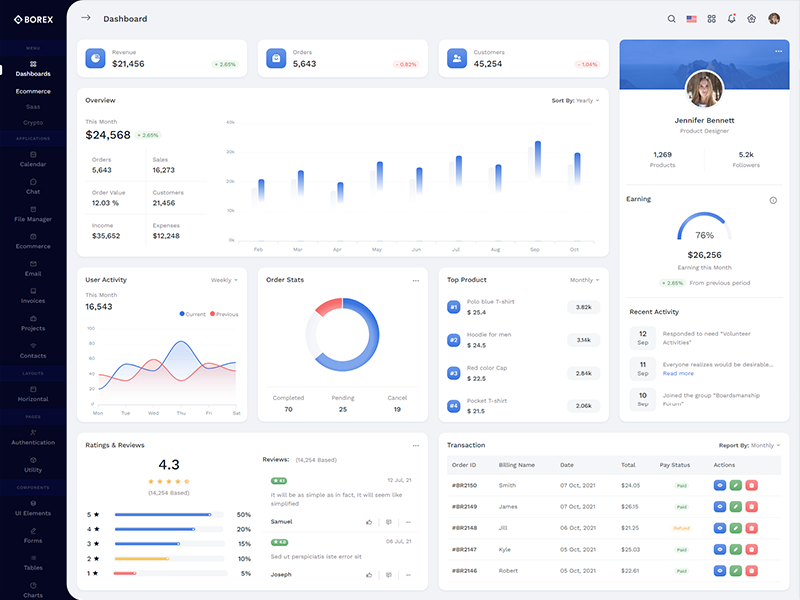
Compact Sidebar
Set data attributedocument.body.setAttribute('data-sidebar-size', 'small'); document.body.setAttribute('data-sidebar', 'dark'); and remove other attributes.
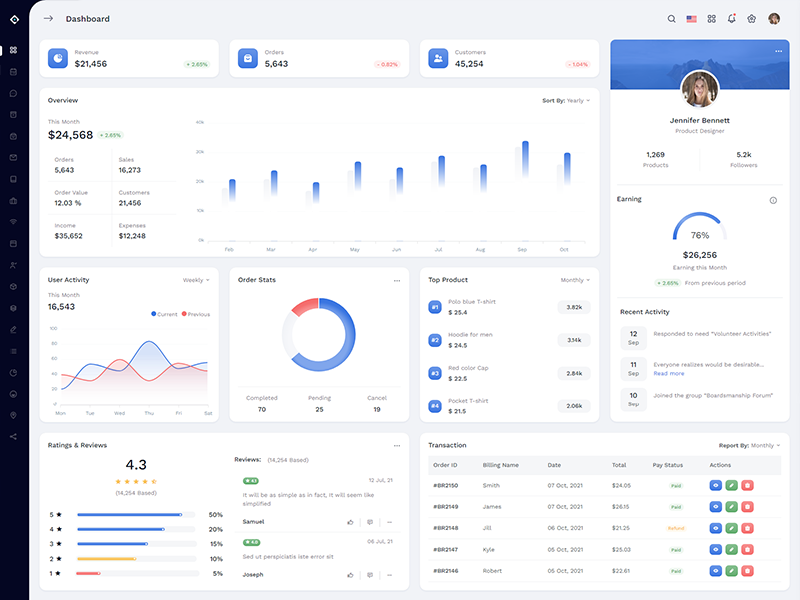
Icon Sidebar
Add class to the body element likedocument.body.classList.add('sidebar-enable'); document.body.classList.add('vertical-collpsed'); and remove other attributes.
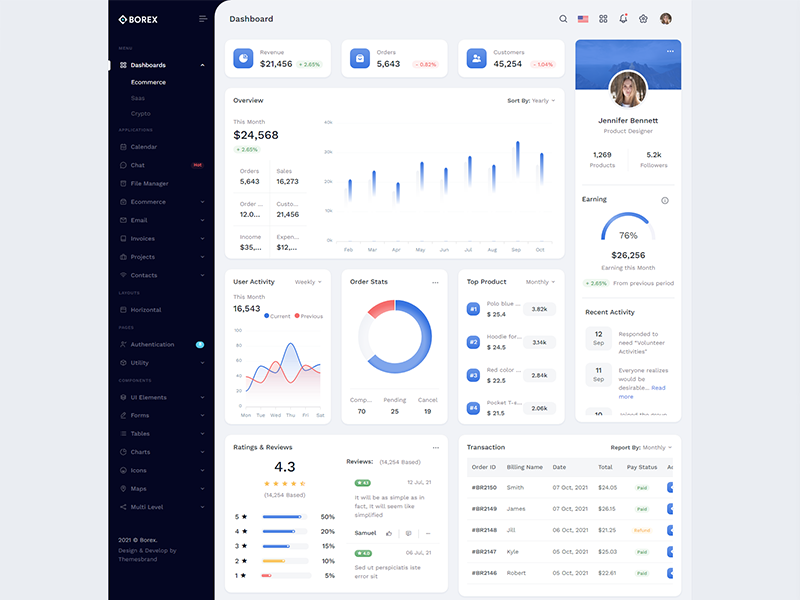
Boxed Layout
Add class to the body element likedocument.body.setAttribute('data-keep-enlarged', 'true'); document.body.setAttribute('data-layout-size', 'boxed'); document.body.setAttribute('data-sidebar', 'dark');.
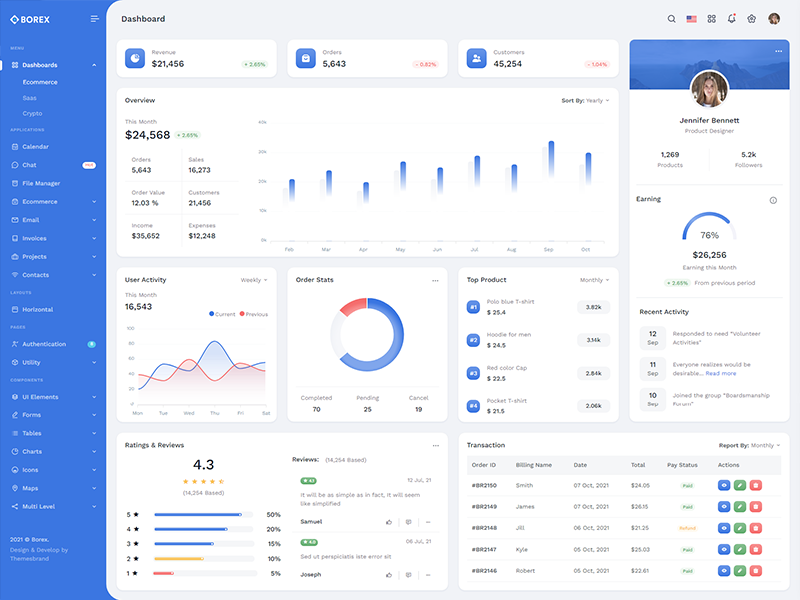
Brand Sidebar
Set data attributedocument.body.setAttribute("data-sidebar", "brand"); and remove other attributes.
Scrollable Layout
Set data attributedocument.body.setAttribute("data-layout-scrollable", "brand"); have Scrollable Layout.